Claude Code locally with $0 cost
Jan 26, 2026· ·
1 min read
·
1 min read
Leonardo Salles

Installing Claude in your local machine
This setup uses Ollama to run open-source models locally, which is completely free, lets follow the steps below to understand how it works and finally have Claude as your local AI assistant.
1. Install Ollama
Download at https://ollama.com/download
2. Pull a open-source model
ollama pull qwen2.5-coder
3. Install Claude code
curl -fsSL https://claude.ai/install.sh | bash
or
npm install -g @anthropic-ai/claude-code
4. Add environment variables
export ANTHROPIC_AUTH_TOKEN=ollama
export ANTHROPIC_BASE_URL=http://localhost:11434
5. Run it
claude --model qwen2.5-coder
It will allow you to use Claude code locally with zero cost.
Bonus
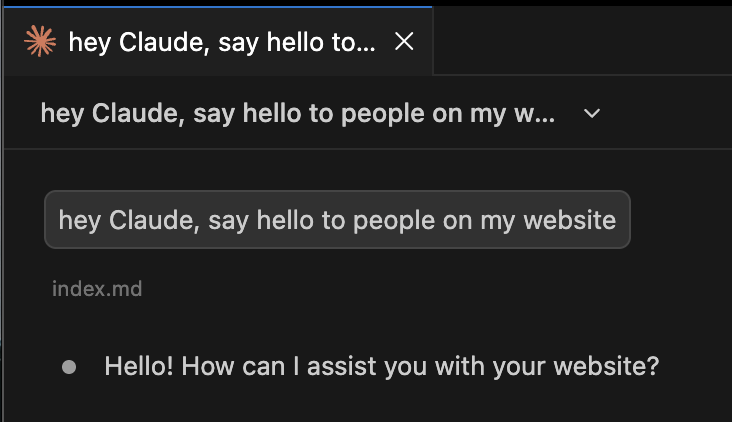
If you want to use it in VSCode or Windsurf, you can install the Claude extension and configure it to use the local instance.
Edit settings.json and include the following keys:
"claudeCode.selectedModel": "qwen2.5-coder",
"claudeCode.environmentVariables": [
  {
    "name": "ANTHROPIC_BASE_URL",
    "value": "http://localhost:11434"
  },
  {
    "name": "ANTHROPIC_AUTH_TOKEN",
    "value": "ollama"
  }
]
Conclusion
And that’s it! You now have Claude code running locally with zero cost, hope you enjoy it.